Truck Driver Check-In: In-Lane Terminal or Walk-In Office?
Compare an in-lane electronic terminal when the planned check-in can be completed from the cab. Compare a park-and-walk office when drivers must leave their vehicles for a staffed exchange, paperwork or further instructions. Where routine arrivals and exceptions need different handling, price a combined arrangement instead of forcing every truck through the same interaction.
A logistics kiosk may mean electronic equipment, an occupied building, or both. Establish which one the operation needs before requesting an enclosure quotation. A terminal-only purchase may not need a new occupied room at all; an office shell alone does not provide driver check-in software.
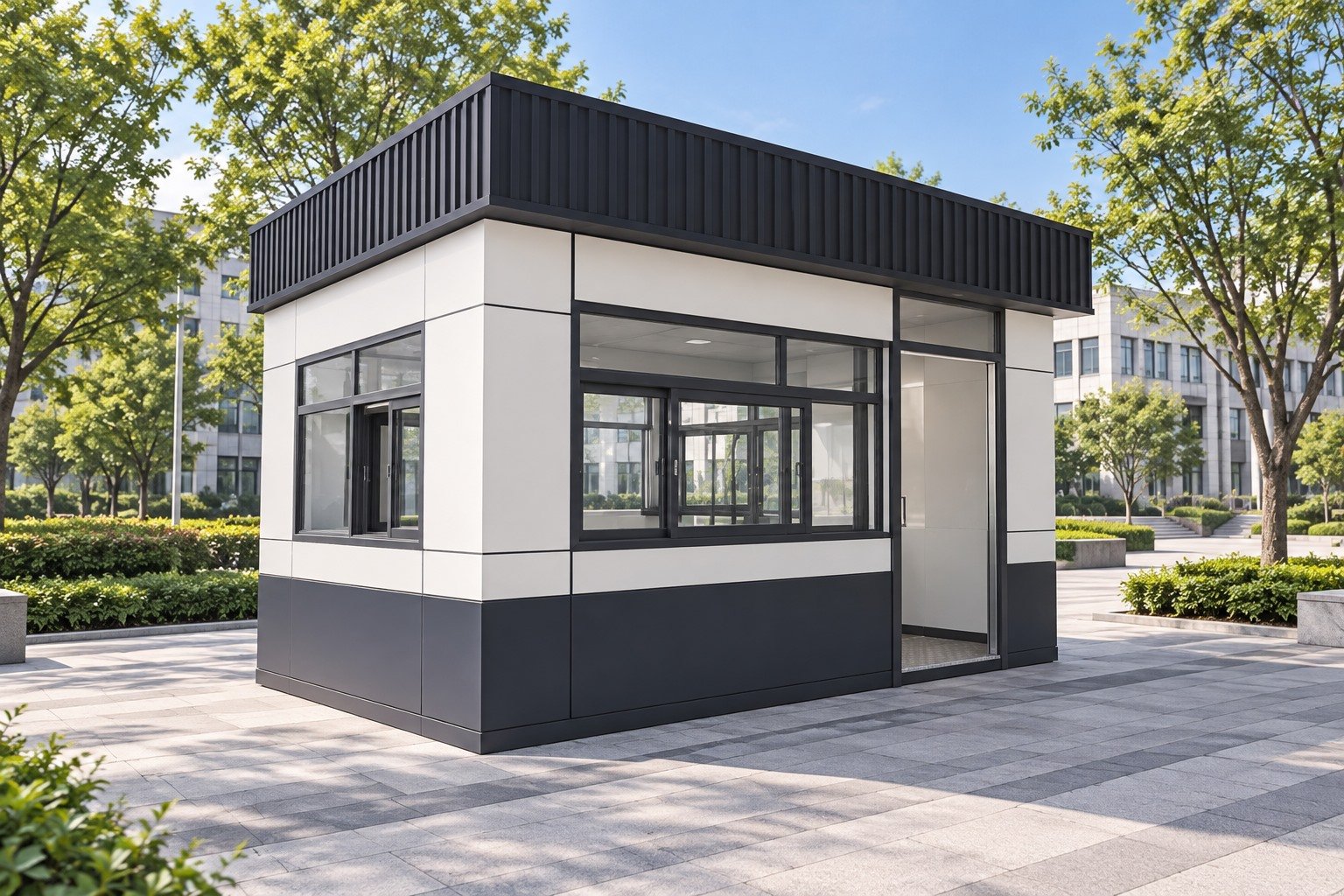
Decide where the vehicle stays during the transaction
An in-lane arrangement keeps the driver and vehicle at a defined stopping position while the check-in takes place. Olea’s Tampa logistics terminal is a third-party example designed for interaction from inside the vehicle. It establishes that this product category exists; its equipment, reach arrangement and performance are not MobileX specifications.
For this option, the operator and terminal supplier must work with the actual vehicle mix and stopping arrangement. A screen or document opening positioned for a person on foot is not automatically usable from a cab. Show the intended driver’s position, the interaction point and how equipment is serviced without assuming an active lane is a maintenance workspace.
A walk-in office changes the sequence: stop in an agreed parking position, leave the cab, follow a pedestrian route, complete the exchange, then return to the vehicle. The office may move a lengthy discussion away from the entrance lane, but it also requires somewhere for that vehicle and driver to remain. Compare the whole route, not simply the office footprint. The site-entrance booth guide covers the separate guard-view and approach-layout decision.
Follow one load from arrival to the next instruction
Write down what makes an arrival ready to proceed: perhaps a recognised appointment, a checked load reference and an instruction issued by the site’s system. Then identify what needs human intervention. If the driver cannot supply a reference or a document does not match, where does the vehicle wait while someone resolves it?
The CargoMatrix check-in platform describes document capture, transport-system validation and dock assignment as software functions. Those published functions show why the transaction is more than a screen mounted on a wall. They do not establish compatibility with a buyer’s existing system, or that MobileX supplies the platform.
Ask the responsible system provider to demonstrate the buyer’s routine and exception transactions before fixing the physical interface. A workflow that still requires staff to examine originals needs an agreed handover point. A digitally resolved transaction may use a different arrangement. Avoid treating every load as successful self-service when sizing the physical waiting and staff workspace.
Three ways to place the work
Terminal first, with a defined assistance route
Consider this when the intended arrivals can normally complete a validated transaction from the vehicle. The purchase centres on the terminal, software and site interfaces. An existing office may provide assistance, if the operation actually supports that arrangement. It is not necessary to add a new booth simply because the equipment is called a kiosk.
Staffed office first
Consider this when face-to-face checking, multiple documents or discussion are normal parts of arrival. Plan the driver-facing position separately from staff work: document handling, screens, printing and communication with the yard. State whether drivers enter the room or are served at a window; those choices change the entrance, counter and internal layout. Do not assume the illustrated booth already fits those tasks.
Routine check-in in the lane, exceptions elsewhere
Consider a combination when a short standard transaction and a longer exception process can genuinely be separated. Its additional purchase is not just two structures: it needs an agreed transfer of the transaction and a place for the vehicle to wait. Without that transfer, the driver may have to repeat the same check-in at the office, while the original lane remains occupied.
Hypothetical comparison: one site receives mostly recognised appointments and already has a staffed office for exceptions. It can compare adding a terminal with rebuilding its reception. Another site handles frequent document discussions and has no suitable office; a staffed building and parking route may be the first proposal to develop. Neither example supplies a waiting-time, staffing-saving or throughput claim.
Ask for offers with the same completion boundary
Separate the occupied enclosure and furniture from the terminal and transaction system. A building offer may include agreed openings, work surfaces and electrical interfaces; it does not thereby include scanners, software subscriptions, network integration, gate controls or acceptance of the complete check-in process.
For each shortlisted arrangement, identify who prices site preparation, placement, protected access routes, power and data connections, equipment mounting and system commissioning. Then include the operating commitments that actually differ: software/support charges, staff assistance, equipment servicing and any duplicated handling. Use quoted or measured amounts, not assumed automation savings.
MobileX’s custom modular project route can be used to discuss an occupied booth or office, its layout and the agreed supply package. The terminal and system providers must confirm their own equipment and integration scope. Start a project inquiry with the known arrival sequence, vehicle stopping plan and staff tasks; a fully specified terminal is not required just to begin the enclosure discussion.