Audio Editing Pods: Choose a Listening Setup Before the Room
For one person editing speech or video with headphones, start with a comfortable, quiet workstation; buy an enclosed pod only if the existing position cannot provide the separation and working conditions the task needs. If the purchase depends on judging audio through monitor speakers, choose the listening layout and room together. A booth that reduces surrounding speech is not automatically a suitable speaker-monitoring room.
The difference matters before you pay for a larger enclosure, acoustic finishes or an audio package. A headphone editing position, a place to record a voice, and a room where a team approves a mix are three different jobs. They may share equipment, but they do not necessarily need the same space.
Start with what the listener must decide
An editor cutting pauses, comparing takes or aligning dialogue with video needs usable controls and a repeatable way to hear detail. Another person may need to judge stereo balance, bass or the experience of a programme through loudspeakers. A client reviewing a finished video with the editor introduces a shared listening position as well as another seat. Specify which of these activities is routine and which can happen elsewhere.
Headphones are a legitimate production tool, not merely a fallback for people without a studio. Neumann describes headphone use for editing and monitoring, and distinguishes closed headphones used to limit spill during recording from open headphones often used for mixing. That does not make every pair interchangeable. Choose the actual headphones and audio interface for the production workflow, rather than expecting the enclosure to determine their sound.
| Main activity | Useful starting arrangement | When to spend on more space | Upgrade that may be unnecessary |
|---|---|---|---|
| One editor works on headphones, without recording speech. | An existing desk with the required screens, controls and suitable listening conditions. | Repeated surrounding activity makes that position unsuitable, and an enclosed workstation offers a demonstrably better working environment. | A full speaker-monitoring room when speaker judgement is not part of the job. |
| The same person edits and records short voice passages. | A working position that accommodates both editing and the microphone arrangement. | The recording position cannot coexist with the screens, controls and chair movement. | A larger shell before checking whether a different support or separate recording position solves the conflict. |
| An editor makes decisions primarily on a stereo monitor pair. | A listening-room proposal designed around those monitors and the listener. | Placement, room response and required equipment cannot be accommodated in the smaller option. | Extra seat capacity sold as proof of accurate monitoring. |
| Two or more people regularly approve audio together. | A shared review room with a defined listening area; retain separate editing desks if useful. | The required listeners cannot assess the programme from usable positions. | A speaker system in every individual pod when one shared room serves the reviews. |
A headphone workstation can be the smaller purchase
With headphone playback, the room does not have to hold a stereo loudspeaker arrangement. The work surface still has to support the screen layout, keyboard, pointing device, audio controls and any notes used together. A compact phone-booth shelf can be adequate for a particular laptop task but unsuitable for a timeline across two displays or a separate control surface.
Trial the actual sequence: select a take, navigate the timeline, make an edit, compare it and save or export. Watch whether the editor has to move the keyboard, twist toward a second screen or stand up to reach a connection. Those observations tell you more about the required furnished space than the word studio on a product listing.
If headphones and the existing desk already support that work, an enclosure may add little. If nearby calls, movement or interruptions repeatedly prevent it, compare an available separate room with a pod. Include the computer and normal ventilation in the comparison. Do not treat switching essential equipment off as a solution to operating noise, and do not use a louder headphone setting as a substitute for a suitable environment.
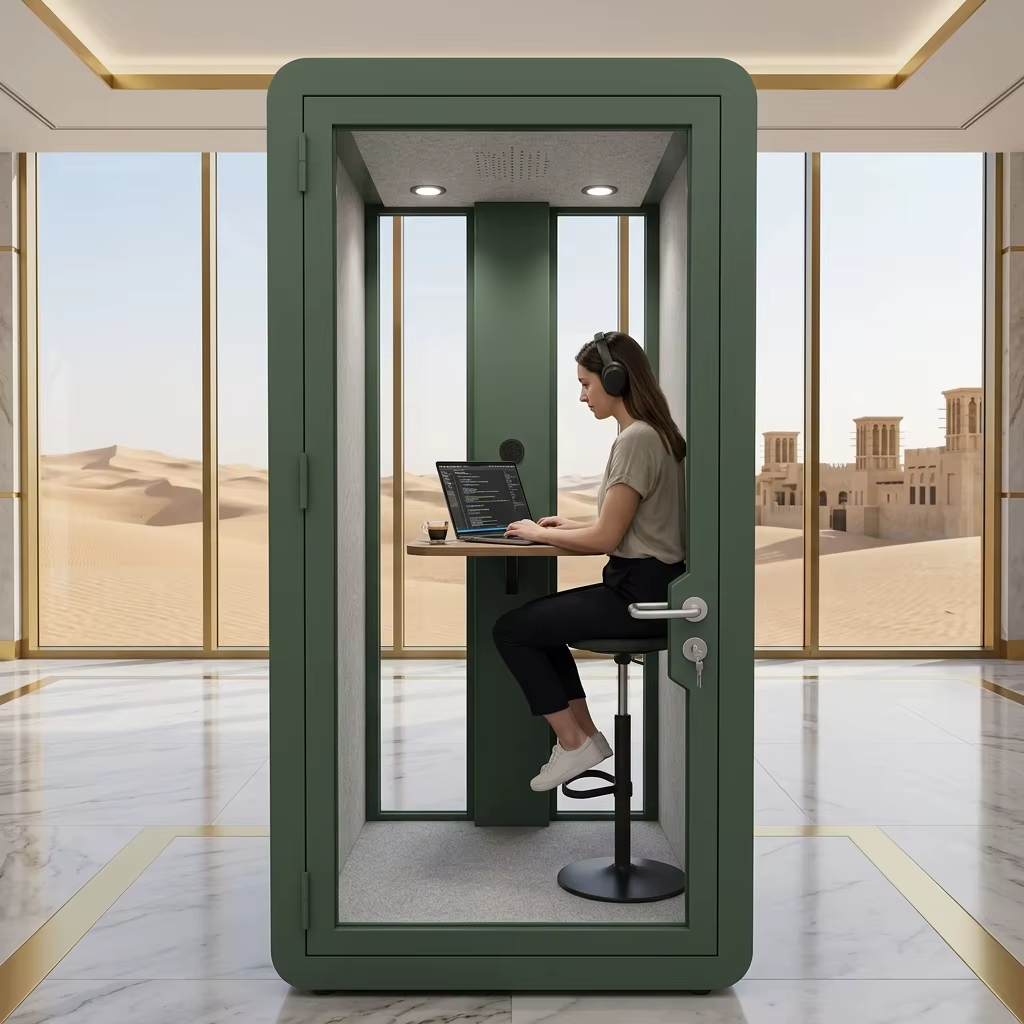
Monitor speakers make the room part of the system
Genelec’s placement guidance explains that the sound reaching the listener depends on the room as well as the monitor. Reflections and room resonances can change the response, while the relationship between the left speaker, right speaker and listener affects stereo imaging. A physically enclosed space and a useful listening environment are therefore separate purchasing outcomes.
Plot both speakers and the listening position before selecting the enclosure. Include the actual cabinet depth, stands or supports, screen, desk and chair, together with the positioning requirements for the selected equipment. A table on which two speakers physically fit does not establish that their placement works. Keep the door and normal movement usable without shifting the monitoring arrangement each time.
A larger meeting pod may offer more layout options, but that is not a monitoring specification. Nor does a soft-looking wall prove that the room’s frequency response is suitable. A speaker-based proposal should explain how the selected room, equipment locations and acoustic treatment work together, and how the installed listening result will be assessed.
Do not buy software correction as a guaranteed replacement for an appropriate room. Neumann’s acoustic application guidance describes cancellations caused by reflections and warns that these cannot simply be equalized out. Placement or physical acoustic work may be necessary. The purchasing lesson is to fund the room-and-system assessment before assuming that a calibration accessory will rescue an unsuitable enclosure.
Keep recording and listening requirements separate
Microphone capture asks what reaches a microphone. Monitoring asks what reaches the listener through the selected playback system. A room can be useful for one without proving the other. The recording-space and equipment guide covers capture, the presenter and a separate producer; use it when recording is part of the same purchase.
For a combined room, show the microphone working position and the editing position separately. Can the microphone be parked without obstructing a speaker or screen? Does the editor have to move the monitors to record? If every changeover alters the listening arrangement, two simpler positions may be more useful than one heavily equipped booth. That might mean recording inside an enclosure and editing outside on headphones, or retaining an existing recording room and adding only a quiet edit desk.
Reducing sound transfer outside the enclosure is another question. Judge it for the intended playback and location, not from the fact that the room is pleasant to listen in. MobileX office-pod acoustic information does not establish a flat monitoring response or a particular result for bass-heavy playback. This guide does not recommend a MobileX model as a verified mixing or mastering room.
Use dimensions to reject a bad fit, not to promise good sound
MobileX’s standard internal reference dimensions include MP1 at 880 x 920 x 2080 mm, MP1+ at 1120 x 1080 x 2080 mm, MP2 at 1880 x 920 x 2080 mm and MP3 at 1880 x 1520 x 2080 mm. These are enclosure dimensions, not clear furniture space or a loudspeaker-placement specification. Compare the office pod model range against the actual furnished plan.
For example, a buyer retaining a 1200 mm-wide desk cannot place it straight across either horizontal internal dimension of the standard MP1+ reference. That is a simple physical rejection, not evidence that the next model will be acoustically suitable. A smaller work surface may solve a headphone-editing task; a speaker-led task may instead need a different room. Keep those choices separate so a furniture problem does not automatically become a purchase of a larger audio system.
When two people must listen together, include their occupied positions rather than adding a spare chair after selecting the room. If shared approval happens only occasionally, compare using an existing review room at those times. The daily editor need not occupy an oversized enclosure solely to accommodate an infrequent visitor.
Compare complete editing and monitoring packages
Ask for prices against the same finished task. A headphone-workstation offer should identify the enclosure if needed, desk and seat, screens and controls, computer and audio interface, headphones, connections, delivery and local assembly or installation. Identify the equipment you already own so the quotation does not charge for unnecessary replacements. Add any site electrical or network work and the agreed setup demonstration.
A speaker-monitoring offer needs a separate scope for the monitors and supports, room/layout design, any treatment, measurement and alignment, and the agreed listening-area assessment. Show whether these services are supplied by the audio provider, an acoustics specialist or another party. They are not automatic components of a MobileX enclosure quotation. Compare the destination cost, site work and commissioning as well as the shell price.
Consider a hypothetical two-editor team: both people cut dialogue daily on headphones, but they meet once a week to review programme balance on speakers. Two comfortable editing positions and one existing shared review room may meet the brief. Equipping both individual enclosures as speaker rooms purchases a different capability, not an unavoidable upgrade. If the shared room is unavailable or cannot support the required listening task, compare a dedicated monitoring-room project instead.
Spend on a larger room when the working or listening arrangement actually needs it. Spend on more audio equipment when it supplies a required playback or control function. Do not pay for additional seats, a subwoofer or a generic treatment bundle simply because an offer is labelled an audio booth.
Make the next enquiry about the listening job
Send the primary activity, number of listeners, retained equipment dimensions, intended playback method and a marked site position. Explain which work happens every day and which can use another room. For a non-standard layout, the custom modular pod route can address the enclosure and agreed furniture or interface requirements; the audio system and its verified result remain separately scoped.
For the proposal review, use the intended headphones or speakers, normal operating equipment and representative non-sensitive material. Let the responsible audio team define the listening assessment where it matters. A usable editing workflow and an acoustic measurement answer different questions. Start a project enquiry with that distinction clear, and compare a new pod with the spaces and equipment you can keep.