Will Mobile Phone Calls Work Inside an Office Phone Booth?
A phone booth is useful for mobile calls only when the caller’s actual phone service works at its intended position with the door closed. A successful laptop video meeting does not prove that the same person can receive a call on their mobile number. Before buying, distinguish direct cellular calls, the carrier’s Wi-Fi Calling service and calls made through a company application. They can use different connections and have different requirements.
For staff who must answer ordinary incoming calls, choose the calling route first and then the private space that supports it. If direct cellular service works reliably, extra network equipment may be unnecessary. If it does not, supported Wi-Fi Calling may be suitable for known staff devices. A booth intended for visitors with different phones and carriers needs a broader test; one successful demonstration is not proof for everyone.
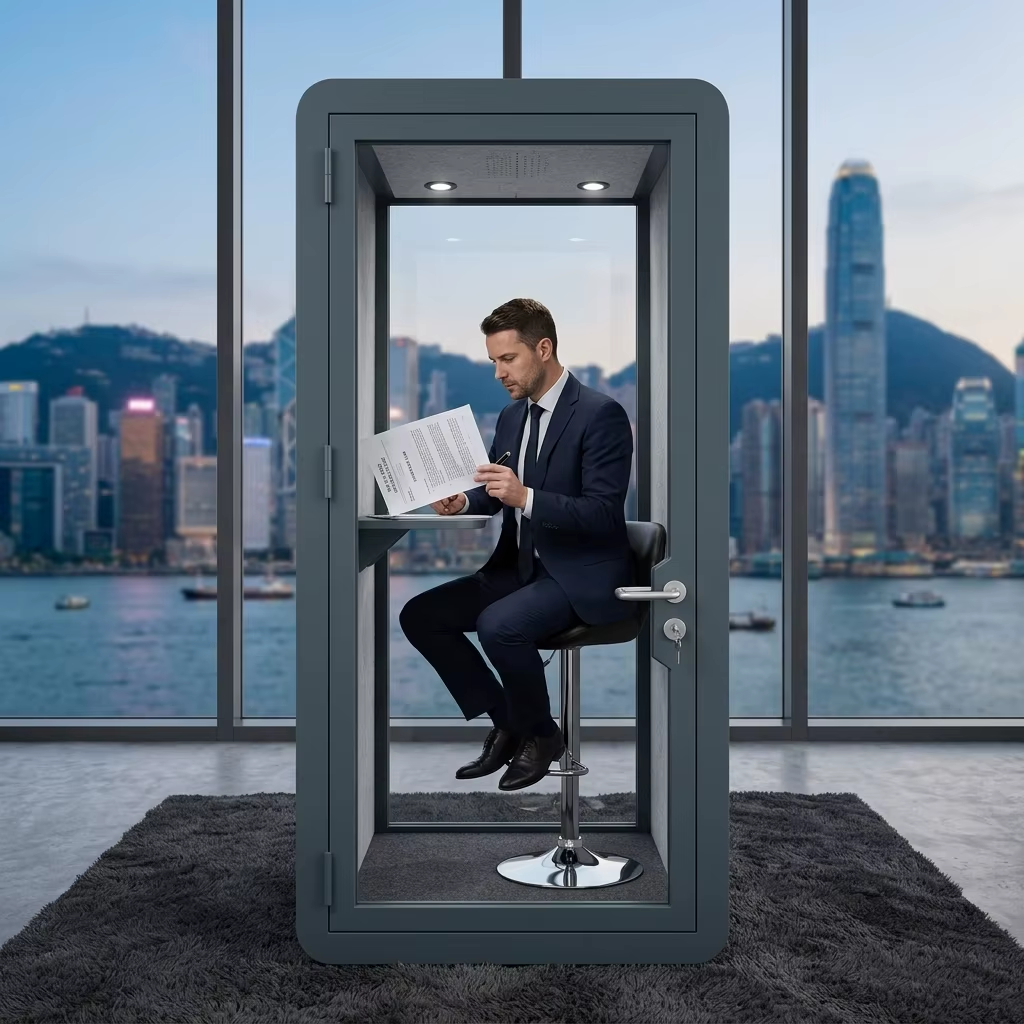
Define what a successful phone call means
Start with the identity the caller needs to use. A scheduled meeting in a company application may only need that application’s approved internet connection and login. Receiving an unscheduled call to an existing mobile number is a different requirement. Asking a client to join another application is not always an acceptable substitute.
Make the difference concrete in the purchase brief: an employee enters the booth, closes the door, answers a normal incoming call, talks in both directions and calls back using the intended service. A person who must continue a call while moving into the booth adds another requirement. A demonstration that starts only after the phone is already connected inside does not test that transition.
| Calling route | Best fit | What must work | What it does not prove |
|---|---|---|---|
| Direct cellular voice | Users needing their mobile number without joining the office Wi-Fi | Their handset, SIM or line and carrier at the actual booth position | A signal indication elsewhere in the office does not establish closed-door call quality |
| Carrier Wi-Fi Calling | Supported staff phones where cellular coverage is weak and the approved Wi-Fi service is suitable | Carrier and device support, correct line setup and a network that supports the service | Connecting to Wi-Fi or browsing a website does not establish that Wi-Fi Calling is operating |
| Company calling application | Teams already using an approved business calling workflow | Application access, account permissions and the required calling service | A working app call does not prove incoming calls to the employee’s personal mobile number will arrive |
| Another suitable room or booth position | Sites where the proposed location fails but a practical alternative supports the required service | Both the calling requirement and the space/privacy requirement at that location | Moving a booth is not a guaranteed cure and must not compromise safe access or ventilation |
Do not use the acoustic rating as a mobile-signal rating
Acoustic isolation and radio reception answer different questions. A sound-reduction figure cannot tell a buyer whether a handset will receive its carrier inside a particular enclosure. Equally, good mobile reception says nothing about whether people outside can understand the conversation.
Ofcom’s indoor-coverage guidance identifies the building’s location and characteristics as factors affecting mobile reception. Coverage maps are predictions, not measurements at an individual desk or booth. The practical comparison is therefore the intended calling service at the intended position, not a general statement that a building has coverage.
If calls are already unreliable outside the proposed booth location, investigate the building or service problem before treating the enclosure as its cause. If a call works outside but repeatedly fails inside, record that observation with the same device and service. It identifies a location-dependent problem to investigate; it does not by itself measure the booth’s radio attenuation or establish which material caused it. No MobileX model-specific mobile-signal reduction or carrier-compatibility result is claimed here.
When Wi-Fi Calling is a useful option
Apple describes Wi-Fi Calling as a way to make and receive calls where cellular coverage is limited, subject to carrier support. Its guidance also notes that not every Wi-Fi network supports the service. This is why a Wi-Fi password, fast speed-test result or Ethernet socket is not a complete answer for mobile-number calling.
For a known staff fleet, IT can establish whether the intended phones and lines support the service on the approved office network. Test the handset’s normal calling function and the service indicator described by its manufacturer. On devices with more than one line, make sure the line being tested is the one the employee actually needs.
Visitors create a different purchase condition. They may use another carrier, a different handset or no approved access to the office network. If the space is advertised internally as a place for anyone to take a personal call, do not base acceptance only on one managed company phone. Conversely, a dedicated booth for a known team does not necessarily need a new building-wide cellular system if that team’s supported calling route already works.
Network changes belong with the authorized IT team. Do not ask users to disable security controls or install a signal booster as a quick workaround. A carrier or building-network intervention is a separate technical and commercial scope, not an assumed feature of a pod order. The office pod network guide addresses the related but separate question of internet connectivity for laptops and applications.
Use a realistic acceptance call, not just signal bars
Agree the intended users, carriers or managed device group and ordinary calling route before the demonstration. At the proposed position, use the normal furniture, closed door and normal operating ventilation. Make and receive ordinary calls with a consenting colleague. Both participants should report whether speech arrives clearly, whether either direction cuts out and whether the call ends unexpectedly. Use a duration representative of the intended activity rather than inventing a universal pass time.
Repeat the same sequence in the nearby office or alternative room when diagnosing a problem. Record the device, line, location, time and observed calling mode so that a change in network route is not mistaken for a change in enclosure performance. If users will walk into or out of the booth during calls, include that action. Do not assume automatic continuity between cellular and Wi-Fi routes; establish what the supported service actually does.
Incoming calls deserve their own check. A person may successfully place an outgoing call after manually opening an app yet still miss the ordinary incoming call that motivated the purchase. Test the required user journey, not just the most convenient demonstration. Do not place test emergency calls; emergency-service arrangements belong with the carrier, employer and applicable site procedures.
Buy the space for the work, not for an unproven signal fix
A short handheld call and an extended call with a laptop require different working surfaces. Once the connection route is viable, compare the MobileX office pod range for the actual seated or standing task, device space and agreed furniture. A larger enclosure is not inherently a better reception solution. An extra display or more sockets will not resolve an unsupported mobile calling service.
Consider two planning examples. A sales team uses managed phones on one supported calling service: a verified staff-device route may make a compact private space practical. A shared office offers a booth to guests on many carriers: it may need stronger evidence across the expected user group, or a different suitable location. These are hypothetical purchasing conditions, not customer projects or promises that a particular MobileX model will work on those networks.
If an existing room already supports both the calls and the required privacy, improving its availability may be enough. Buy a pod when it adds a useful private workspace that the office lacks, not simply because the current phone signal is poor. The acoustic and calling requirements must each be satisfied; neither substitutes for the other.
Put the connection scope beside the enclosure price
Compare the complete budget in separate parts: the enclosure and selected furniture; delivery, handling, assembly and site preparation; any authorized network assessment or connection work; and any recurring calling-service or support cost. Identify which items already exist, which the pod supplier quotes and which remain with IT, the carrier or the landlord. Do not add a guessed signal-system price to make two quotations appear comparable.
The office phone booth price guide provides the enclosure purchasing context. A less expensive booth is not a complete saving if its intended users cannot take their required calls, but a more expensive booth is not justified by an unsupported claim that it will fix reception.
For a MobileX project enquiry, provide the intended calling task, handset or user group, proposed position, known network arrangement and furniture needs. Keep carrier and IT responsibilities separate from the agreed pod supply. The decision is ready when the chosen space serves the work and the required calling route has been demonstrated under relevant conditions, rather than inferred from a product name.