Meeting Pods and Hearing Accessibility: Choose the Room and Audio Support Together
A quieter meeting pod can be worth comparing when surrounding activity makes conversation difficult, but sound isolation alone does not make a meeting accessible to someone who is deaf or has hearing loss. Choose the space around the participants’ communication preferences, then decide whether it also needs an assistive audio route, captions, clear sightlines or space for communication support.
If an existing room already supports the participants and is reliably available, keeping it may be the better purchase decision. A new enclosure becomes useful when the lack of a dependable meeting space is part of the problem, not merely because the product is described as acoustic.
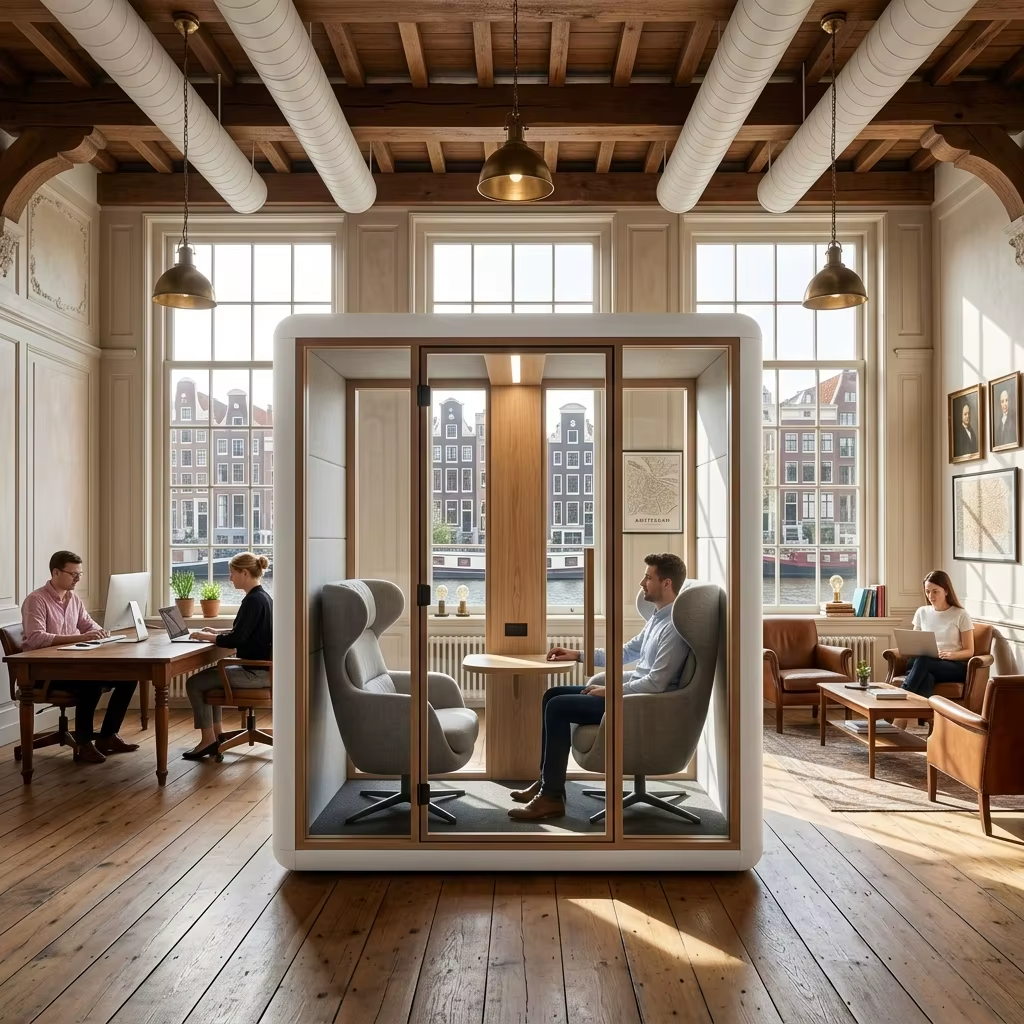
Separate hearing the meeting from containing its sound
A buyer may want to reduce disturbance outside the meeting, reduce background sound inside it, or make each contribution easier for a particular participant to follow. These are related but different outcomes. An enclosure’s speech-isolation figure does not show that a person can understand everyone at the table or use their preferred listening device.
RNID’s workplace guidance calls for a quiet area, suitable lighting and layouts that let people see one another. It also identifies assistive technology as a separate provision. The purchasing consequence is straightforward: an enclosure and a communication system should not be treated as interchangeable solutions.
Start by asking how the participants prefer to follow the conversation, without asking them to disclose a diagnosis. The answer may involve listening, lipreading, captions, an interpreter or a combination. Buying a generic hearing device first can miss the actual requirement just as easily as buying a larger room first.
Choose the intervention that changes participation
| Situation | Useful first comparison | What not to assume | Scope to budget |
|---|---|---|---|
| An existing room works for the participants but is difficult to book | Reliable access to that room versus another equivalently equipped space. | A new pod with fewer communication facilities is an equivalent substitute. | Space availability, equipment duplication and operating arrangements. |
| Open-office activity competes with the conversation | A quieter existing room versus an enclosed meeting position, with the intended people and equipment. | Less surrounding noise guarantees that every participant can follow all speakers. | Enclosure, occupied layout and any communication support that remains necessary. |
| The room is quiet but a participant still needs a direct audio feed | A suitable assistive listening route in the existing room versus one incorporated into a new space. | A louder room loudspeaker is the same as a compatible personal receiving route. | Microphones, transmission, receivers or device interfaces, setup and maintenance. |
| Participants need captions or a clear view of speakers | Seating and display arrangements that preserve faces and readable information. | The advertised seat count includes a usable caption display or an interpreter position. | Displays, mounts, communication support and the space they occupy. |
Follow the whole audio route
An assistive listening arrangement has a source, a transmission route and a receiving method. The source must capture the people who need to be heard, not just the presenter nearest a microphone. The receiving method must work for the intended participant. A product name such as Bluetooth, loop or wireless audio does not establish that every personal device can receive it.
For example, Sennheiser describes MobileConnect as an app-based audio system using a Wi-Fi network and a station, with receiving options involving personal devices. RNID separately describes hearing loops as assistive listening systems. These are examples of additional audio infrastructure, not features confirmed for MobileX enclosures.
For a small discussion, test contributions from each occupied seat. For a hybrid meeting, test both people in the room and remote participants. The video-call AV guide covers the remote camera and audio arrangement; the extra requirement here is the local participant’s usable listening or text route.
Do not choose a permanently installed system only because it appears comprehensive. A suitable portable or personal arrangement may meet a recurring participant’s needs. Conversely, a room serving changing visitors needs a practical way for newcomers to connect and obtain help. Compare those operating requirements before selecting hardware.
Space for seeing and participating can change the model choice
Place the actual seats and screen on the layout. A participant who follows faces should not have to look away from every speaker to read captions. A large central display can obstruct direct sightlines if placed between people. A small side display can be difficult to read from the far seat. These are reasons to change the furniture or screen position before moving automatically to a larger enclosure.
RNID recommends good visibility, one speaker at a time and testing the technology with the people who will use it. It cautions that automatic captions are not completely accurate. Therefore, captions should be assessed with realistic names, terminology and conversation, rather than accepted because text appears on a screen.
Consider an illustrative three-person review meeting: two colleagues share a document while a third follows both faces and a caption display. Three chairs fitting inside the room is not enough. The useful arrangement must leave all three able to view the relevant material and each other. If communication support adds another person, that person needs a genuine working position rather than a spare chair in the entrance.
Physical access remains a separate requirement. The pod accessibility buying guide addresses entry, clearance and controls. Passing a communication trial does not establish building-code compliance, and a physically accessible doorway does not establish hearing accessibility.
Compare complete provision, including daily use
Divide the quotation into the room or enclosure, furniture and display layout, assistive audio or caption provision, and site delivery and setup. Identify who provides microphones, receivers, charging arrangements, network work and the connection to any meeting platform. Include commissioning with intended users, a handover and a method for reporting faults. A disconnected or unfamiliar system is not a useful substitute for an available meeting room.
If a system depends on personal phones or accounts, include an alternative for someone who cannot or does not wish to use that route. Consider who starts a session, sets the correct input and helps a guest. For captions or recorded transcripts, agree the organisation’s access and retention arrangements rather than enabling recording by default.
The comparison need not assume a particular technology is mandatory. The better offer is the one that provides the needed participation with a manageable operating routine. Extra capacity, more loudspeakers or a premium enclosure finish may add little if the missing element is a usable audio feed or an unobstructed view.
Use a realistic meeting to decide whether the new space helps
Compare the available room and proposed enclosure using the same activity, intended equipment and normal ventilation. Include ordinary turn-taking, a contribution from the far seat, shared material and any remote voice. Let participants judge whether the arrangement supports their preferred communication method. A general sound-level reading cannot replace that practical comparison.
The MobileX meeting pod range is a starting point for enclosure and occupied-layout choices. A nonstandard layout can be discussed through the custom project enquiry route. State the needed sightlines, equipment footprints and receiving arrangements. No hearing loop, caption service, hearing-device compatibility or accessibility certification is implied by the standard pod description; those elements need a specifically supported supply and integration scope.