Product selection and planning hub
Choose the Right MobileX Pod and Find Verified Product Data
Use this modular pod buying guide to choose a product family, compare project requirements, and find the relevant specifications and evidence.
This hub organizes cross-category choices. Office pod model specifications and reference commercial data remain on the Office Pod Manufacturer Data page; category-specific facts remain on their dedicated data pages.
Choose a Product Family
Start with the intended use and project context. Each card routes you to the category page and the most relevant data or planning resource.

Office Pods
For private calls, focused work, interviews and small meetings inside workplaces and shared facilities.
- Decide the expected occupancy and daily use.
- Confirm the available floor area, access route and local service requirements.
- Compare model specifications and quotation requirements in the office pod data page.
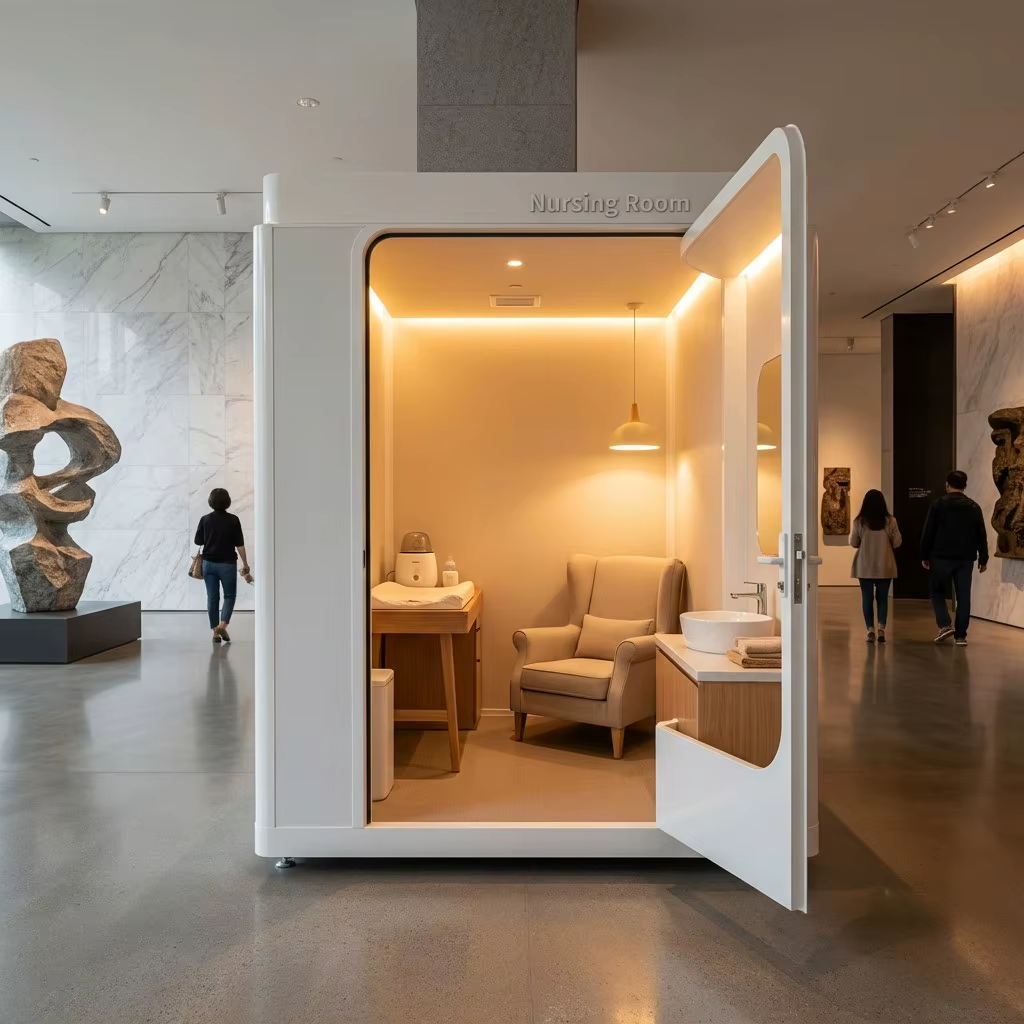
Lactation Pods
For private nursing and pumping spaces in workplaces, transport hubs, healthcare settings and public facilities.
- Review privacy, cleaning, interior layout and facility access.
- Confirm local requirements and the final project scope before ordering.

Telemedicine Pods
For private remote consultations and health-service workflows in clinics, pharmacies and public-access locations.
- Define the consultation workflow and required third-party equipment.
- Confirm power, network, accessibility and local clinical requirements.
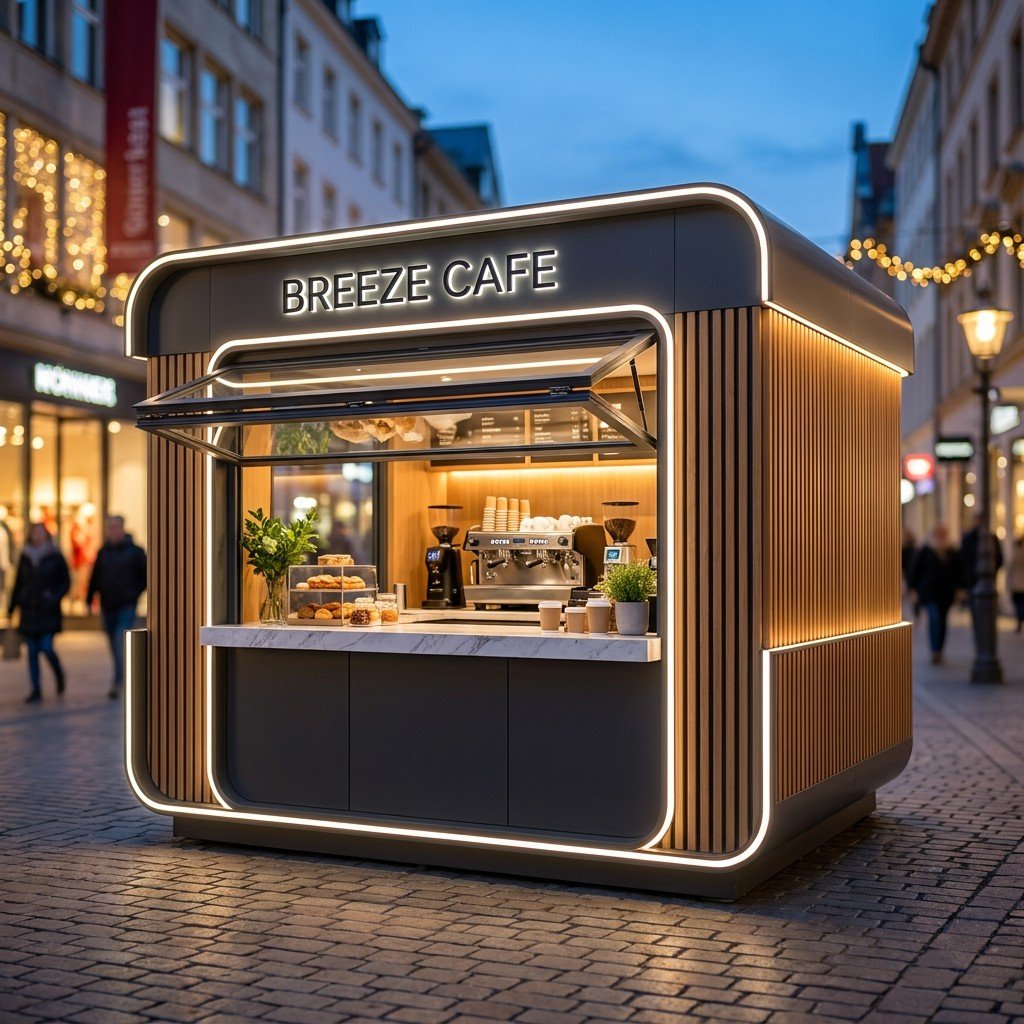
Outdoor Kiosks
For coffee, ticketing, retail and service projects that need a defined customer-facing commercial function.
- Specify site conditions, service openings, equipment and branding.
- Confirm structural, weather and permitting requirements locally.
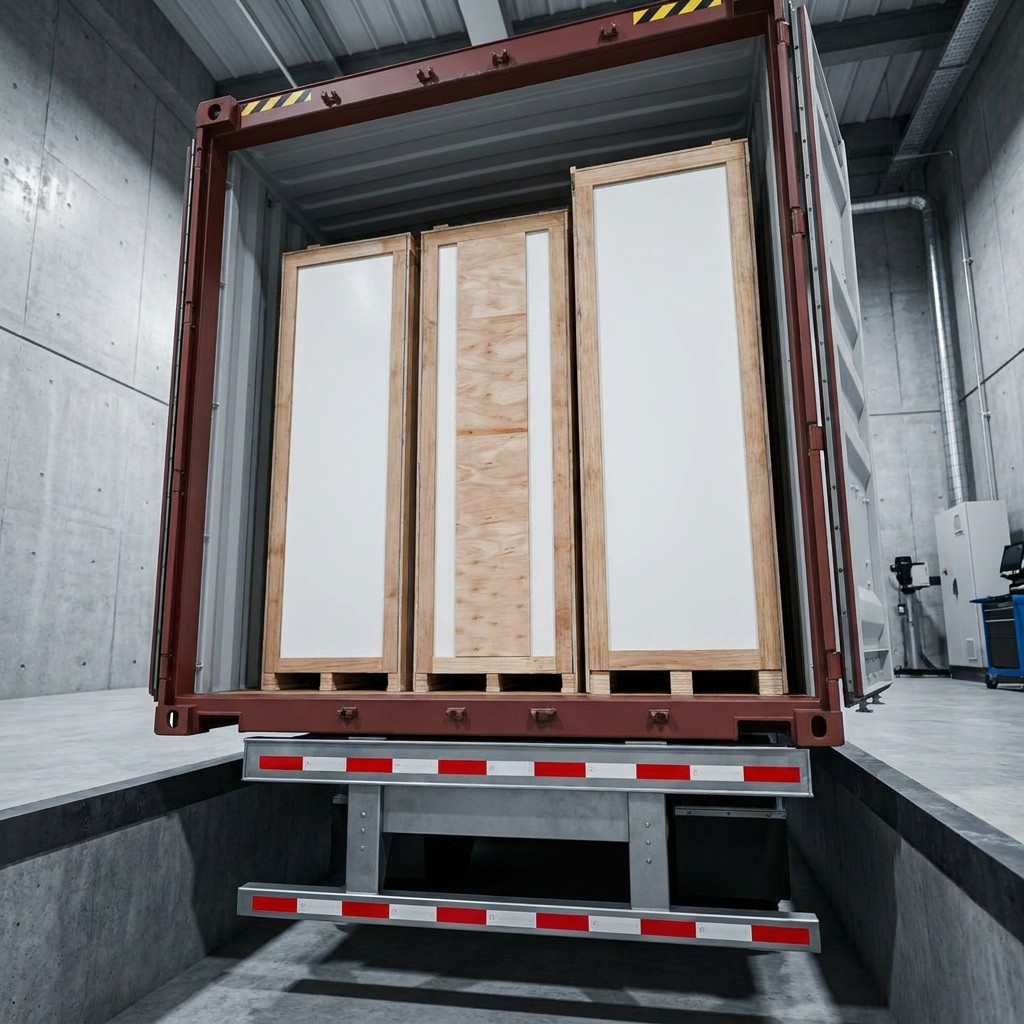
Custom Projects
For reference-photo, drawing-led or function-led modular pod concepts that do not fit a standard category.
- Share the intended use, target size, layout and destination.
- Identify required openings, finishes, services and packing constraints.
Cross-Category Selection Matrix
Compare product families in this matrix, then follow the linked pages for model specifications and quotation details.
Swipe horizontally to compare all columns.
| Product family | Typical use | Key buyer decisions | Authoritative details |
|---|---|---|---|
| Office Pods | Calls, focus work, interviews and meetings | Occupancy, room access, workplace services and configuration | Office Pod Manufacturer Data |
| Lactation Pods | Private nursing and pumping space | Privacy, interior fixtures, cleaning, accessibility and local requirements | Lactation Pod Manufacturer Data |
| Telemedicine Pods | Private remote consultation | Workflow, third-party equipment, network, power and accessibility | Telemedicine Pod Manufacturer Data |
| Outdoor Kiosks | Coffee, ticketing, retail and service | Site exposure, service openings, equipment, signage and local approval | Outdoor Kiosk Manufacturer Data |
| Custom Projects | Drawing-led or function-led modular spaces | Use, dimensions, layout, openings, finishes, destination and packing | Custom Modular Pod Project Data |
Product Data and Planning Resources
Use the links below to check product specifications, manufacturer identity and factory evidence.
Lactation Pod DataCategory-specific planning facts for workplace and public-facility projects.
Telemedicine Pod DataRemote consultation configuration and project-planning information.
Outdoor Kiosk DataCommercial kiosk functions and the inputs needed for project review.
Custom Project DataReference-photo, drawing, layout and destination inputs for feasibility review.
Manufacturer ProfileBrand, legal entity and manufacturer identity information.
Factory and Quality EvidenceProduction, quality-control, packing and export evidence.
Buyer FAQCommon questions about scope, customization, delivery and quotation preparation.
Product Catalog DownloadsCurrent MobileX product PDFs and supporting buyer resources.
Product Detail Directory
Open a product page to compare its intended use and configuration, or contact MobileX with your project requirements.
Acoustic Meeting BoothsMeeting Booth category and planning guidance.
MP1 Office PodSingle-person model page.
MP1+ Phone BoothWider single-person model page.
MP2 Meeting BoothTwo-person meeting booth page.
MP3 Meeting BoothFour-person meeting booth page.
Lactation PodsPrivate nursing room pod category.
Telemedicine PodsPrivate remote consultation pod category.
Outdoor Commercial KiosksCoffee, ticketing, retail and service kiosk projects.
Custom Modular PodsCustom function, layout and finish project route.
Contact MobileX PODSend project inputs for review and quotation.
Evidence Boundary
Public product information supports early comparison and quotation preparation. The final configuration, price, delivery arrangement, included services and contractual responsibilities are confirmed only in the current formal quotation or signed contract.
Prepare a Useful Quote Request
A complete first message helps the project team route your request to the right product owner and identify missing inputs before quotation.
- Product family
- Quantity
- Target market and intended use
- Required size or configuration
- Voltage and socket requirements
- Finish, color or branding requirements
- Delivery destination
- Requested Incoterm
- Project timeline
- Reference photo or drawing, when applicable
Send Your Project Requirements
Share the product family, quantity, destination and intended use. MobileX POD can then identify the right product page, clarify the inputs still needed and prepare the appropriate quotation path.