Office Pod Options: What Do You Actually Need?
Choose an office pod option when it helps with the work people will do or a real site constraint. A display, extra connection or different furniture layout is useful when the people using the pod need it; adding every available feature can make quotations harder to compare without making the pod more suitable. Start with the base configuration, then mark each change as required, optional or unnecessary.
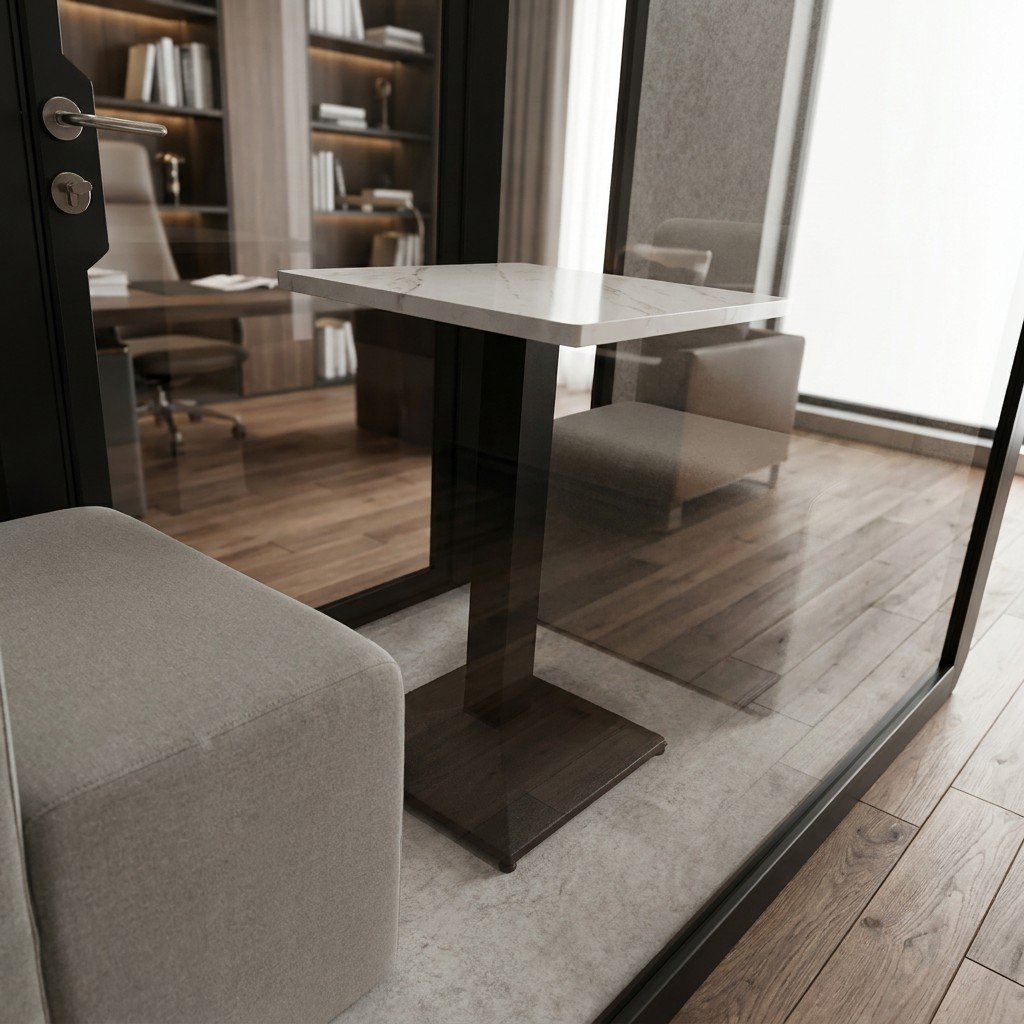
Use the task to decide what earns space and cost
Begin with the usual session, not the rarest one. A person taking short laptop calls may need a reliable power point and a usable shelf, while a small group reviewing drawings may need a shared display position, seating sightlines and a way to connect its devices. Neither brief can be settled by the option name alone. Check the proposed positions on a drawing and, where possible, try the actual equipment and furniture together.
| Proposed change | Choose it when | Leave it out or defer it when | Confirm in the quote |
|---|---|---|---|
| Extra socket, USB or network connection | The named devices need a connection at the intended working position. | Existing approved connections serve the actual devices; a spare port has no planned user. | Connector type, location, power or network responsibility and any cable route. |
| Display or mounting provision | Shared content is part of normal meetings and the viewing position has been checked. | Users normally join on their own laptops and no shared display task has been identified. | Who supplies the screen, its dimensions, mount, cable path and local setup. |
| Furniture or layout change | The proposed table, seat or equipment does not fit the intended posture or circulation. | The standard arrangement passes a task-based trial with the actual users and equipment. | Furniture included, working clearances, door movement and any buyer-supplied items. |
| Lighting or control change | Reading, screen use or camera view needs a different position or control behaviour. | The base lighting works in a relevant on-site trial. | Control method, positions and what can actually be adjusted in the selected configuration. |
Do not buy a feature to solve the wrong problem
If the concern is speech privacy, ask for acoustic evidence that applies to the proposed configuration and installation; a different chair or extra socket will not tell you whether conversations stay private. If calls suffer from weak connectivity, check the building network and devices before specifying another pod connection. If the room is warm, separate air movement from active cooling and check the room environment. Choose an option to address the problem you have found, not a guess about its cause.
For a closer review, see the guides to device connections, lighting controls and the furniture working envelope. Each addresses a specific interface; this article helps decide which interface deserves a line in your project brief. For optional controls, compare the smart office pod feature guide.
Buy an option bundle or select individual upgrades?
Choose individual upgrades when only a few additions are needed and they provide the required working arrangement at the lower complete cost. Choose a bundle when it supplies those same required functions on better terms without introducing an unacceptable space, connection or operating obligation. Keep the base configuration when it already does the job. The number of features in a package is not a measure of its value to this particular workplace.
This is a real purchasing choice, not just a naming difference. WorkBooth’s UAE two-person product page presents a Premium package alongside individually selected options. That is its own offering, not evidence that MobileX sells the same package or supports those accessories. Use the actual offer’s inclusion list rather than assuming that every feature elsewhere on the product page belongs to the bundle.
Qualify both configurations before comparing the discount
Start with the required functions already identified above. Map each one to the exact supplied item in each route. A connection provision is not necessarily the device that uses it; a display mount is not a complete video-call system. A package with more accessories can still be missing the item needed for the normal session. Add that missing item to the package route only if a compatible, purchasable arrangement exists.
Then check the consequences of the extras. Furniture that occupies a required movement area, equipment with an unavailable connection, or a compulsory service the operator will not accept can disqualify the bundle. An unused accessory does not automatically disqualify it, but its advertised standalone price is not a saving unless you would otherwise have bought it. Do not assume that omitting an unwanted component earns a credit or that it can be removed without changing the supplied configuration.
| Purchasing route | When it fits | When to reject or reconsider it | What belongs in its cost |
|---|---|---|---|
| Keep the base configuration | It supports the normal users, devices and site conditions without changes. | A required task or interface is missing, even if occasional use looks acceptable. | The base order and the same delivery and site-completion boundary used for the other routes. |
| Base plus individual upgrades | A small, defined set of additions completes the job without buying unrelated equipment. | Required items are not offered separately, or their combination is unsupported. | The actual combined option price, affected base-item credits where offered, installation and any required ongoing services. |
| A defined upgrade bundle | It meets every required function and its complete cost or useful additional capability justifies selection. | It replaces a needed base item, obstructs the working layout or imposes an unacceptable dependency. | The package adjustment, missing required items, route-specific site work and committed ongoing charges. |
Compare the difference, not an invented saving on every extra
For the same base pod, write two complete totals: base plus the required individual options plus their completion and operating costs, and base plus the bundle plus any missing required items and its completion and operating costs. Count only work or equipment not already included. If a supplier quotes a complete package total, do not add the base price again. If the base model changes, retain both full totals rather than cancelling unequal base prices.
Use the same currency, tax treatment, quantity, delivery endpoint and operating comparison period. An option that replaces a base component needs the net quoted adjustment, not the price of two components you will not receive together. Keep common costs in the full budget; they may cancel when calculating the difference only if their amounts and scope really are identical. An unresolved charge is not zero.
Hypothetical arithmetic example, not a supplier quotation: assume the base pod and common delivery costs are identical. The required individual upgrades cost 1,200 currency units (CU). A bundle containing every required function costs 1,000 CU above that same base. Its extra accessories have no assigned benefit in this example. If no other costs differ and neither route fails a use condition, the bundle is 200 CU cheaper. Buying it need not mean that every extra was necessary.
Now assume the bundle alone requires 300 CU of site work. Its comparable increment becomes 1,300 CU, against 1,200 CU for the individual route. The individual route is then 100 CU lower. The bundle can absorb at most 200 CU of additional cost before its initial price advantage disappears; at exactly 200 CU, the totals are equal. Include any required service charges over the same stated period in that difference. These figures illustrate the method, not actual prices, a forecast or a MobileX saving.
Keep the order matched to the work
A justified choice can be a cheaper qualified bundle, a targeted set of upgrades, or no upgrade at all. If a more expensive package offers something genuinely useful, name the activity it improves and decide whether that benefit warrants the difference. Do not turn an unused feature’s list price into a benefit to make the arithmetic work.
For several pods, apply the decision to each distinct working configuration. A shared discount does not require identical accessories at every position unless the actual offer makes that a condition. Keep the accepted package or option references with the order, and identify what happens when one is substituted. MobileX’s supplied configuration remains the one agreed in its own quotation; this comparison does not introduce a standard premium package, a discount schedule or third-party equipment compatibility.
Turn the shortlist into a comparable quotation
Send each supplier the same intended use, number of users, destination and proposed base model. For every change, explain what it must solve and how you will check that it works. Mark an item required only if the pod cannot perform its usual task without it; ask for preferences as separately priced options. Check whether each option replaces a base component or is added to it, and list equipment you will supply yourself.
Intended use and session length: [describe]
Number of users and equipment: [list]
Preferred model or available space: [state]
Required options and reasons: [list]
Optional items to quote separately: [list]
Buyer-supplied items: [list]
Quantity and destination: [state]
Please show the base configuration, each addition or replacement, and the drawing reference used for the quote.
MobileX can discuss office pod and meeting booth configurations through its office pod range. If the requested arrangement changes the shell or interfaces, use the custom project route with a drawing and equipment brief. The final inclusion list belongs in the project quotation, not in a reference image. Send MobileX your base configuration, required options and drawing reference for a quotation.